
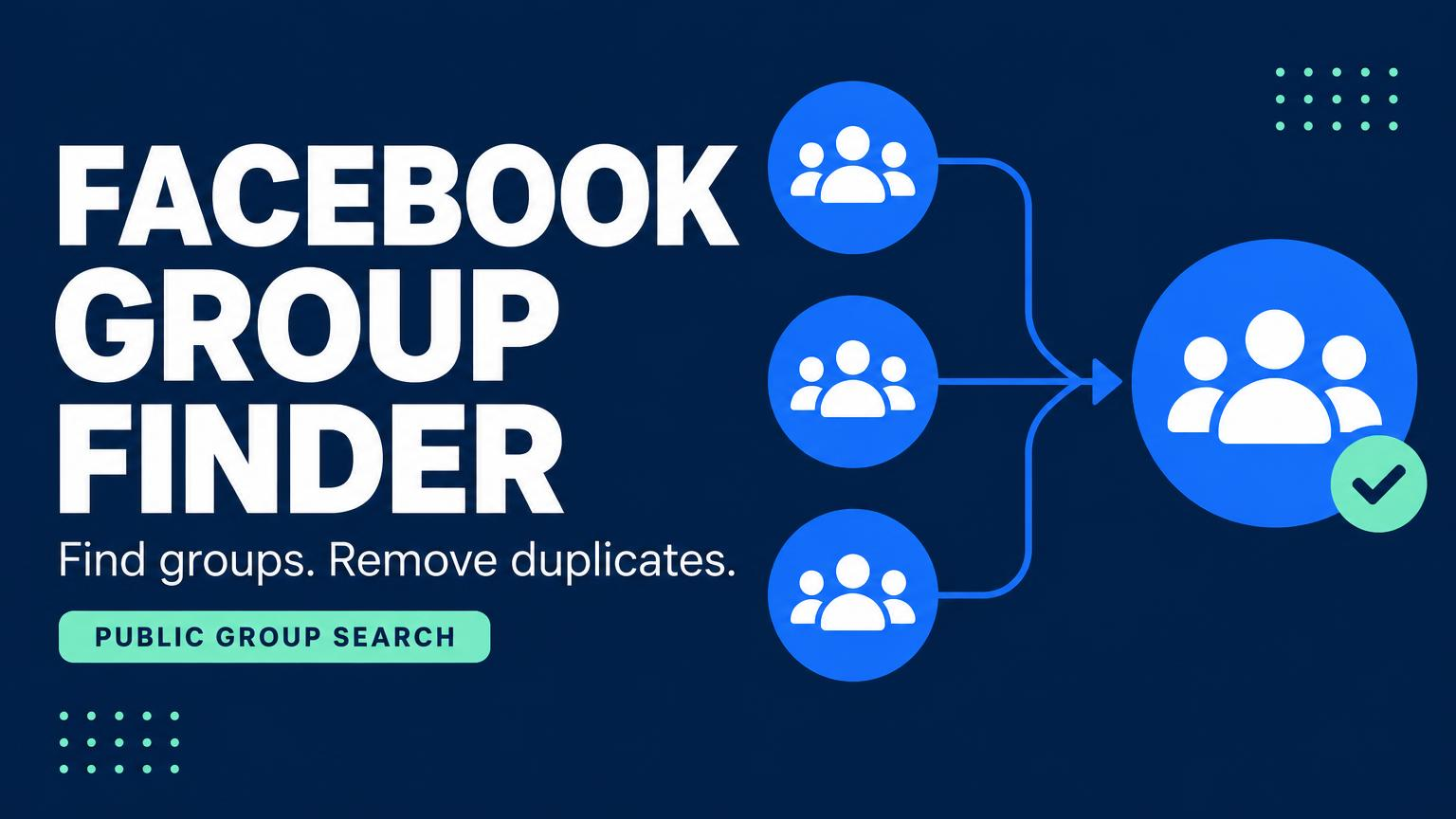
🚀 Facebook Group Finder
✨ Smart Search. Discover More. Stay Organized.
Discover the power of advanced Facebook group research with Facebook Group Finder — an all-in-one tool designed to help you find, filter, and organize Facebook groups according to your specific needs.
Whether you're researching a niche, exploring communities, identifying target audiences, or organizing groups for business and marketing research, Facebook Group Finder gives you flexible search options and powerful organization features in one convenient workflow.
━━━━━━━━━━━━━━━━━━━━
🌟 POWERFUL FEATURES
🔎 01. Custom Keyword Search
Find Facebook groups based on your own keywords. Enter the topics, niches, industries, products, or interests you're looking for and discover relevant groups that match your search criteria.
⚡ 02. Multiple & Session Keywords
Make your workflow more efficient with multiple keyword options. Enter your custom keywords or select from available session keywords to manage different searches conveniently.
🌍 03. Country-Based Targeting
Looking for groups in a specific country? Simply enter your target country along with your keywords to narrow your search and focus on communities relevant to your intended audience.
👥 04. Public & Private Group Search
Choose the group type that suits your research requirements:
🔹 Public Groups — Search for relevant public communities.
🔹 Private Groups — Find private groups where accessible.
🔹 Both Group Types — Explore public and private group results together.
Note: Group visibility and search results depend on Facebook's privacy settings, permissions, and access restrictions.
🎯 05. Membership Count Filter
Find groups that match your preferred membership criteria. Use the available member count filters to narrow down your results and focus on groups with the audience size you're looking for.
🧹 06. Smart Duplicate Removal
Keep your results clean and organized! With the built-in duplicate removal feature, you can remove repeated group entries with a single click and maintain a more manageable results list.
❤️ 07. Favorite Groups & Custom Lists
Found groups you want to keep? Mark them as favorites and create your own personalized group list.
Whether you want to save 10, 15, 20, or more groups, you can organize your preferred results separately for convenient access and management.
📊 08. Group Member Extraction
Use the group member extraction feature to retrieve available membership information for selected groups, subject to access permissions and supported functionality.
━━━━━━━━━━━━━━━━━━━━
🛠️ HOW IT WORKS
Step 1: Enter your custom keywords or select session keywords.
Step 2: Choose your target country.
Step 3: Select Public Groups, Private Groups, or Both.
Step 4: Set your preferred group membership criteria.
Step 5: Start your search and review the matching results.
Step 6: Remove duplicate groups to keep your list clean.
Step 7: Save your favorite groups in a separate, organized list.
Step 8: Use the member extraction feature where available.
━━━━━━━━━━━━━━━━━━━━
💎 WHY CHOOSE FACEBOOK GROUP FINDER?
✅ Flexible Keyword-Based Search
✅ Multiple Keyword Selection Options
✅ Country-Based Group Discovery
✅ Public & Private Group Search Options
✅ Membership Count Filtering
✅ One-Click Duplicate Removal
✅ Personalized Favorite Group Lists
✅ Convenient Group Research Workflow
━━━━━━━━━━━━━━━━━━━━
🚀 DISCOVER. FILTER. ORGANIZE.
Take control of your Facebook group research with a tool designed to make group discovery and organization more convenient.
Facebook Group Finder brings essential search and management features together, helping you discover relevant communities, refine your results, remove duplicates, and keep your favorite groups organized in one place.
✨ Start exploring Facebook communities with a smarter, more organized approach!
━━━━━━━━━━━━━━━━━━━━
🔒 Responsible Use Notice: Search results and available group or member information may vary depending on Facebook's privacy settings, access permissions, platform restrictions, and supported functionality. Always respect user privacy and comply with applicable laws and platform policies.
Comments (0)